

If you’ve ever watched your favorite creator go live on TikTok, you’ve probably seen viewers sending colorful virtual gifts that light up the screen. These gifts aren’t just fun animations — they’re a way to show appreciation and support. In this guide, we’ll walk you through how to send gift on TikTok, what you need to prepare, and how these digital rewards help creators earn real income on the platform.
What Are TikTok Gifts? How Do They Work?
TikTok Gifts are virtual rewards that fans send to their favorite creators as a way to show appreciation and support—especially during live streams. When you watch a TikTok LIVE, you might notice colorful icons or animations appearing on-screen; these are called LIVE Gifts.
To send them, users must first buy TikTok Coins using real money. Once they have coins, they can choose a virtual item and send it during a creator’s live broadcast. This is essentially how to send gift on TikTok—you purchase coins, pick your favorite gift, and send it to the streamer in real time.
Creators who receive these Gifts earn Diamonds, which can later be redeemed for real money, turning fan engagement into income. However, only users aged 18 or older (19 in South Korea) and with personal, non-business accounts can send or receive Gifts.
TikTok also regulates this process through policies like the Virtual Items Policy or, in some regions, the Coins and Rewards Policies, ensuring fairness and transparency. In short, TikTok Gifts create a fun, interactive, and rewarding system that connects fans and creators in a meaningful way.

How to Buy TikTok Gifts?
Before learning how to send gift on TikTok, you first need to buy TikTok Gifts — or more precisely, the Coins used to purchase them. These Coins are TikTok’s in-app currency that lets you send virtual gifts to your favorite creators during their LIVE streams. Buying gifts is a quick and easy process that can be done directly from the app.
- Step 1: Open the TikTok app on your mobile device.
- Step 2: Go to your Profile by tapping the person icon in the bottom right corner.
- Step 3: Tap the Menu (☰) icon in the top-right corner and select Balance.
- Step 4: Tap Recharge or Get Coins to see available Coin packages.
- Step 5: Choose the amount of Coins you want to buy.
- Step 6: Complete the payment using your preferred method (credit/debit card, PayPal, or App Store/Google Play balance).
- Step 7: Once the purchase is complete, your Coins will appear in your TikTok Wallet instantly.
After buying Coins, you can use them to send virtual gifts during a creator’s LIVE video. Simply tap the Gift icon, pick the item you like, and confirm the send — that’s how to send gift on TikTok in action. Remember, Coins and Gifts are region-based and non-refundable, so make sure you purchase from TikTok’s official system to stay safe.
How to Send Gift on TikTok Live?
Fans can support creators on TikTok Live by sending virtual Gifts — animated tokens or icons that show on-screen and convert into Diamonds for creators. Before you can send a gift, you must first buy TikTok Coins (the app’s in-app currency); only after purchasing Coins can you pick a virtual Gift and send it during a live broadcast. This guide shows the exact steps so you know how to send gift on TikTok safely and quickly.
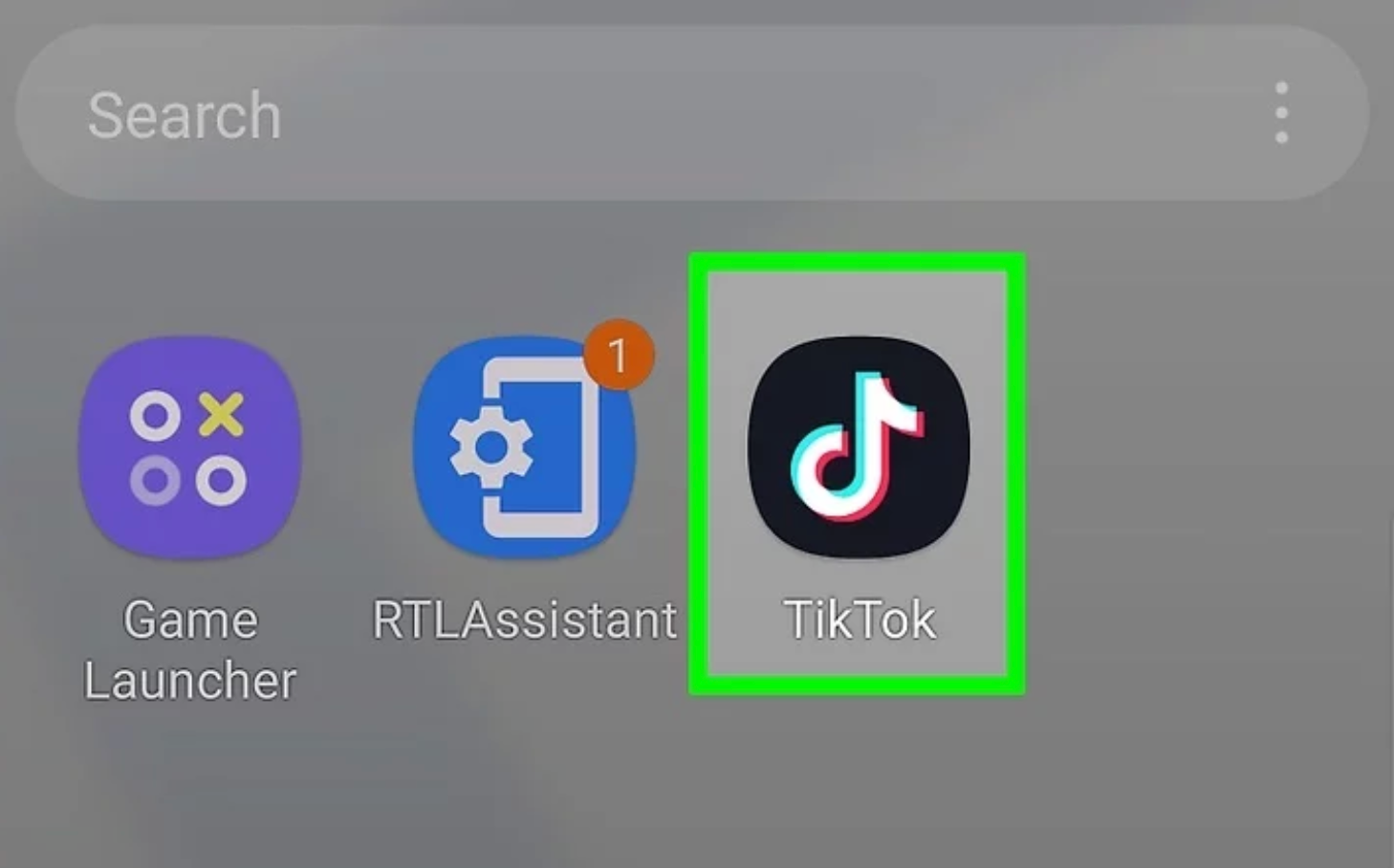
Step 1: Open the TikTok app and make sure you’re signed in
Step 2: Buy Coins (if you don’t have them yet):
- Go to Profile → Menu (☰) → Balance/Wallet → Recharge/Get Coins.
- Choose a Coin package and complete the in-app payment (App Store / Google Play / card).
- The Coins will appear in your TikTok wallet immediately. (You must purchase Coins first to be able to send gifts.)
Step 3: Find a LIVE stream you want to support
Tap LIVE on the For You/Following feed, or open a creator’s profile and join their live broadcast.
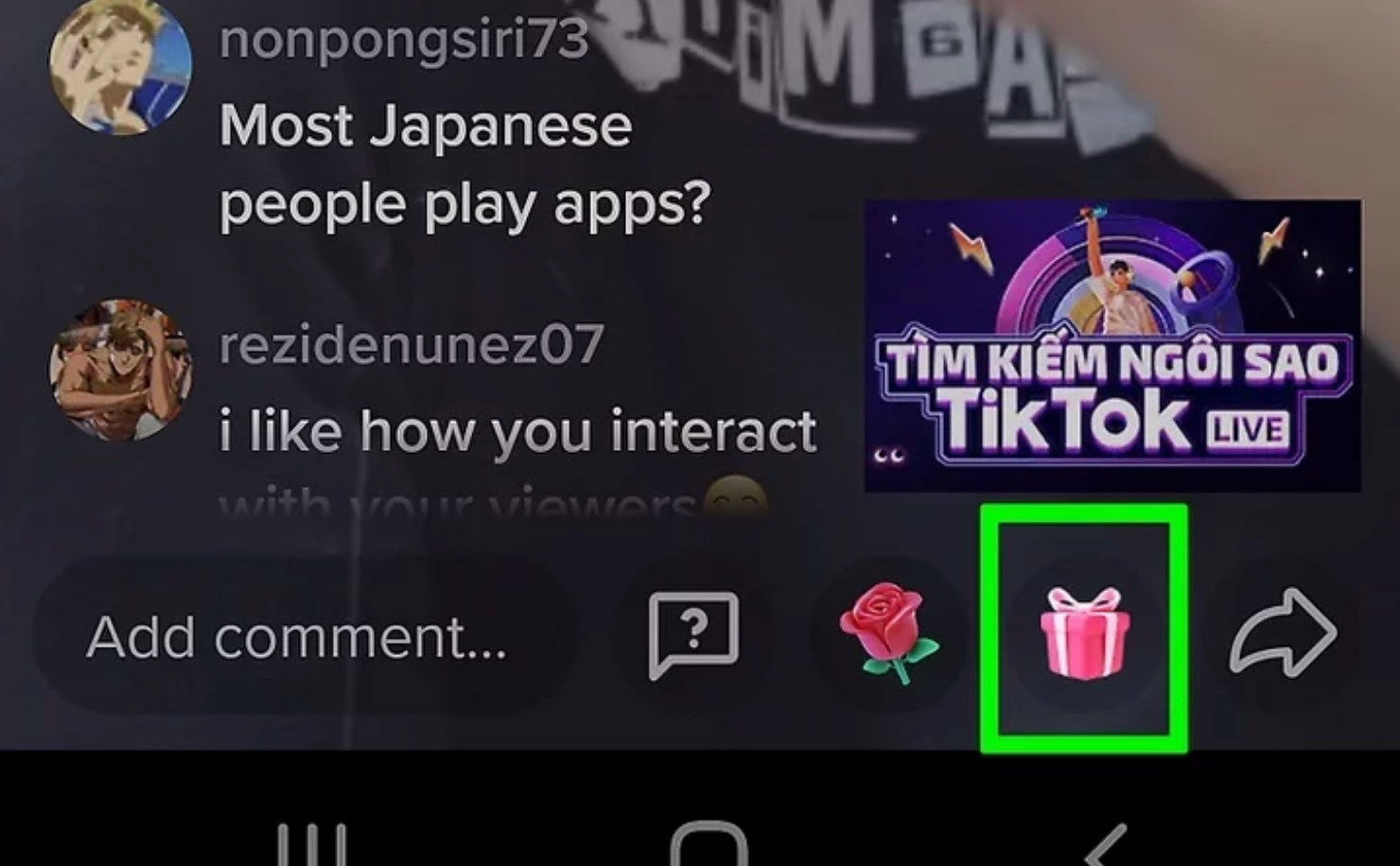
Tap the Gift icon (usually a present or diamond icon) on the live screen to open the Gifts menu.
Step 4: Select a virtual Gift from the available options
Each Gift shows its Coin cost. Pick one that fits your budget.
Step 5: Confirm the send
tap the gift and then confirm. The corresponding Coins will be deducted from your balance and an animation will appear on the live for the streamer and viewers to see.
Send multiple Gifts or use special effects — some Gifts trigger bigger on-screen animations, and you can combine sends to make a larger impact.
After sending, your Coin balance updates immediately. Keep in mind most Gifts are non-refundable.
How to Send Gift on TikTok Comment?
You can send Gifts not only during LIVE streams but also directly to a creator’s video via the comment box. Before you can send any gift, remember you must first purchase TikTok Coins (the in-app currency). This guide shows exactly how to send gift on TikTok from a comment so your appreciation appears alongside your message.
Step 1: Open TikTok and find the video you want to support (Feed, profile, or search).
Step 2: Tap the Comments button under the video to open the comment composer.
Tap the Gift icon next to the “Add comment” field. (If you don’t see the Gift icon, that video may not be eligible to receive Gifts)
Step 3: Choose a Gift from the menu – each Gift shows its Coin cost
If you don’t have enough Coins, tap Recharge (or Get Coins) and complete the in-app purchase via App Store/Google Play or other available payment methods. You must be 18+ to buy Coins.
Write an optional comment (your message will appear with the Gift) and tap Send to post the comment + gift. The corresponding Coins will be deducted from your balance immediately.
Frequently Asked Questions
Are TikTok Gifts turned into real money?
Yes. TikTok Gifts are converted into Diamonds, which creators can later exchange for real money through TikTok’s payout system.
Why do people send TikTok LIVE Gifts?
Fans send gifts to show appreciation and support their favorite creators during LIVE streams. It’s a fun way to connect and reward engaging content.
Why is TikTok taking a commission from gifts?
TikTok keeps a small percentage from gift revenue to cover platform fees, payment processing, and maintain the app’s features.
What are the most popular TikTok gifts and their costs?
Popular gifts include the Rose, Lion, and Universe, ranging from a few Coins to thousands depending on their animation and rarity.
How do I buy TikTok coins for gifting?
Open TikTok → Profile → Balance → Recharge → choose a Coin package and pay via your app store. You need Coins before learning how to send gift on TikTok.
How do I send gifts on TikTok LIVE?
Join a creator’s LIVE → tap the Gift icon → pick a gift → confirm send. That’s the basic flow of how to send gift on TikTok.
Can I send TikTok Live Gifts for free?
No. Gifts require Coins, which must be purchased with real money before sending.
How much do creators make from gifts?
Earnings vary. Each gift converts to Diamonds, and creators can withdraw cash once they reach TikTok’s minimum payout threshold.
Can I send TikTok gifts outside of live streams?
Yes. You can now send Video Gifts or Comment Gifts directly on eligible videos, not just during LIVE sessions.
Are there any restrictions on receiving TikTok gifts?
Yes. Creators must be at least 18 years old, follow community guidelines, and use a personal (not business) account to receive gifts.
How can I make my live streams more engaging to encourage gifts?
Be consistent, interact with viewers, use fun visuals, and thank fans who send gifts to create a positive gifting experience.
How does the TikTok “gift battle” work?
Gift Battles let two streamers compete live. Viewers send gifts to their favorite side, and the one with higher gift value wins the round.
Why are some gifts worth hundreds of dollars on TikTok?
Premium gifts like the Universe or Lion cost more Coins and trigger special effects, making them status symbols for generous fans.
What are the ethical implications of gifting on TikTok for vulnerable users?
TikTok advises users to gift responsibly; excessive spending or encouraging minors to send gifts can raise ethical and financial concerns.
Conclusion
Understanding how TikTok Gifts work is essential for both creators and fans who want to make the most of the platform’s interactive features. Whether you’re learning how to send gift on TikTok, how to buy Coins, or even how to exchange gifts for cash, each step helps you connect more meaningfully with your favorite creators. Just remember to gift responsibly, enjoy the fun, and use TikTok’s features as a way to spread positive vibes and appreciation across the community.
