

How to download Facebook videos to phone is a common question for users who want to save funny clips, touching moments, or favorite music videos while browsing the social network. In this article, videodownloadapp.us will provide a detailed guide so you never miss any interesting videos!
1. SnapSave
SnapSave is a popular tool that helps users download high-quality Facebook videos, supporting resolutions up to 4K. Besides using it directly on a browser, Android users can also install the SnapX app for faster and more convenient use. If you are looking for how to download Facebook videos to phone with SnapSave or SnapX, just follow these simple steps:
- Step 1: Copy the URL of the Facebook video you want to save, as explained earlier in this article.
- Step 2: Open snapsave.app in your browser or launch the SnapX app on your Android device.
- Step 3: Paste the video link into the search box, then tap Enter or Download.
- Step 4: Wait a few seconds for processing, then select your preferred quality and download the video directly to your phone.

2. Ytop1
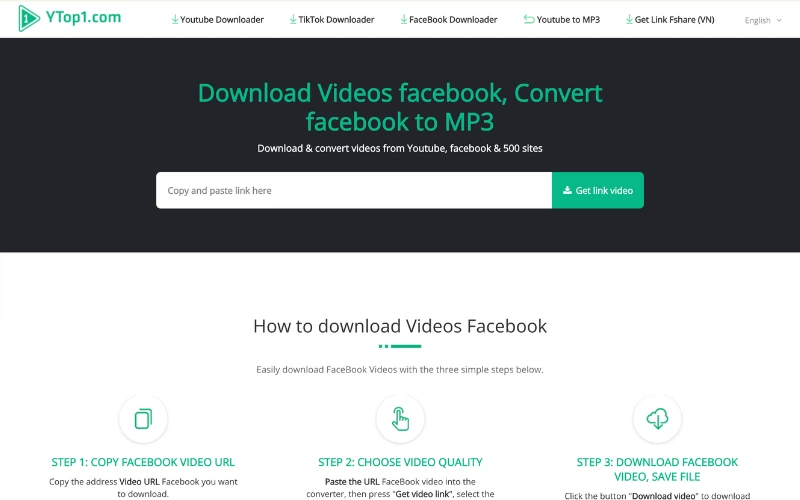
Ytop1 is a versatile tool that not only supports downloading YouTube videos and converting them to MP3 for free, but also makes it easy to download Facebook videos. If you’re searching for how to download Facebook videos to phone with Ytop1, just follow these steps:
- Step 1: Copy the link of the Facebook video you want to save and go to the Ytop1 website.
- Step 2: Paste the copied link into the search box on the homepage.
- Step 3: Press Enter and wait a few seconds for the tool to process. Finally, select your preferred video quality and click Download to save the video directly to your phone.
3. Fbdown
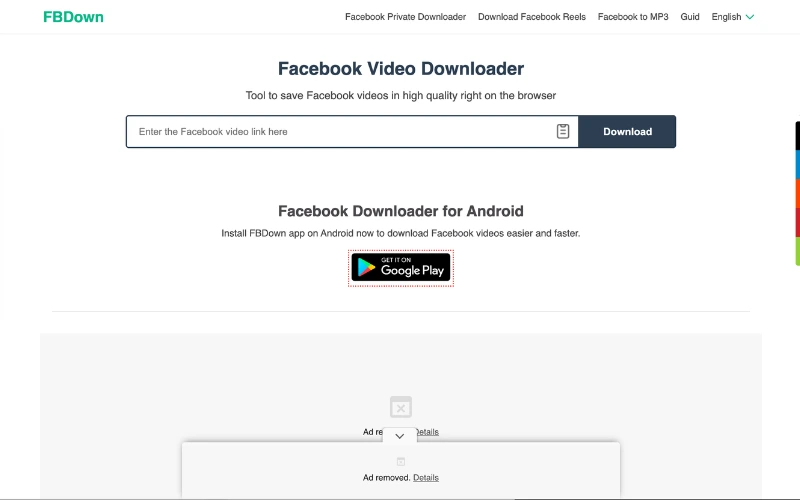
Fbdown is a specialized tool for downloading Facebook videos, offering fast speed and a user-friendly interface. One of its standout features is the Chrome Web Store extension, which lets users install and use it directly in their browser.
If you want to know how to download Facebook videos to phone using Fbdown, follow these simple steps:
- Step 1: Copy the link of the Facebook video you want to save, as explained earlier in this article.
- Step 2: Open your browser and visit fdown.net.
- Step 3: Paste the copied link into the search box, then click Enter or Download.
- Step 4: Wait a few seconds for the tool to process, then select your preferred video quality or choose More Options for advanced settings.
4. Getvidfb
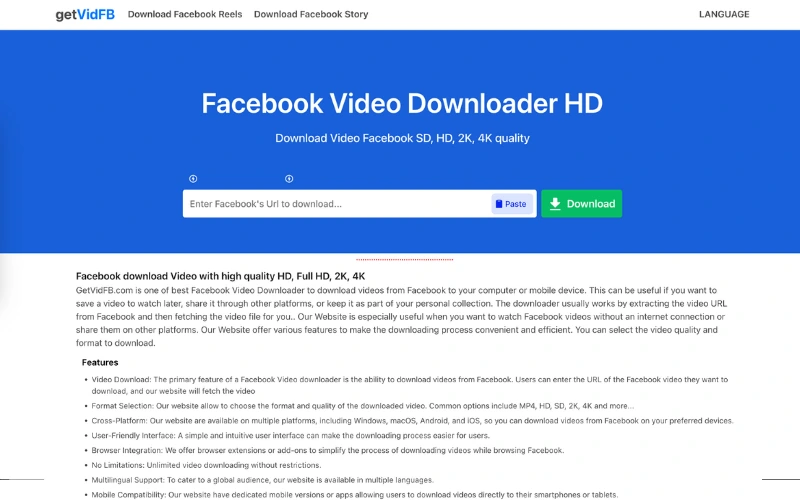
Getvidfb is an online tool that makes it easy to download Facebook videos quickly on any device, from phones to computers. While it claims to support private video downloads, real testing shows this feature is not very effective.
If you’re looking for how to download Facebook videos to phone using Getvidfb, here are the steps:
- Step 1: Copy the link of the Facebook video you want to save (as explained earlier in this article).
- Step 2: Open your phone’s browser and visit getvidfb.com.
- Step 3: Paste the copied link into the input box, then tap Enter or Download.
- Step 4: Wait a few moments for the system to process, then select your preferred quality or choose audio-only if needed.
5. Clippy
Want quick, logo-free downloads? Clippy is an ideal choice. Available on Google Play and the App Store, it’s free, fast, ad-free, and saves in crisp HD.
How to install & use Clippy:
- Step 1: Open Google Play (Android) or the App Store (iOS), search for Clippy, and install.
- Step 2: On Facebook, copy the link of the video you want to download.
- Step 3: Open Clippy, paste the link, and choose your preferred quality.
- Step 4: The video saves directly to your phone – no watermark.

FAQs: Everything About Downloading Facebook Videos to Your Phone
During the process of downloading videos from Facebook to mobile devices, users often have questions about video quality, how to download Facebook videos to phone, or even downloading multiple videos at once. Let’s explore these common issues to make saving Facebook videos on your phone easier and faster.
Do downloaded Facebook videos lose audio?
Usually, downloading videos from Facebook does not cause the audio to be lost; you can still watch the complete video with both picture and sound. If a downloaded video has no sound, the cause could be a copyright issue or a technical problem with the original video.
Can I download videos from Facebook Watch?
Yes, you can download videos from Facebook Watch, but you need to use a supporting tool or app rather than downloading directly. The fastest way is to copy the video link and then use a video download website or app.
Can I download an entire Facebook video album to my phone?
Currently, Facebook does not support downloading an entire video album at once. You can only download individual videos to your device and manually organize them into a personal album if you want to manage them more easily.
You still cannot download an entire Facebook video album at once
We hope that with this guide from Clippy, you’ve discovered the best way for how to download Facebook videos to phone. In just a few simple steps, you can save your favorite clips to watch anytime, anywhere, without needing an internet connection. Choose the method that works best for you to enjoy a smoother and more convenient Facebook experience.
