

Downloading Facebook livestream videos is something many users are interested in, especially those who want to save sales streams, online lessons, knowledge-sharing sessions, or entertainment content. If you’re looking for how to download live videos from Facebook and keep them for later viewing anytime, anywhere, this comprehensive guide from videodownloadapp.us will provide step-by-step instructions and multiple methods to ensure your livestreams are saved successfully.
1. Why Should You Download Facebook Livestream Videos?
Starting February 19, 2025, Facebook implemented a new policy that automatically deletes livestream videos 30 days after broadcast. Users will get a notification before deletion to either save or extend the retention period. However, if you don’t act in time, your broadcasts—no matter how popular or valuable—may be permanently removed.
That’s why knowing how to download live videos from Facebook is essential. By saving your livestreams, you can:
- Preserve important content for personal, professional, or business use.
- Stay in control of your own data instead of relying only on the platform.
- Prevent the unexpected loss of valuable videos and information.
- Support better content management, marketing, and long-term communication strategies.
For businesses, content creators, and individuals using livestreams as a key communication and marketing tool, downloading and backing up videos is a critical step.
Readmore: How to download Facebook videos to phone
2. How to Download Live Videos from Facebook Directly to Phone
Currently, there are many tools and mobile apps that make it easy to download livestream videos quickly on both Android and iOS devices. In this guide, you’ll learn step-by-step how to download live videos from Facebook using different tools, so you can save your favorite livestreams right away.
2.1. SnapSave
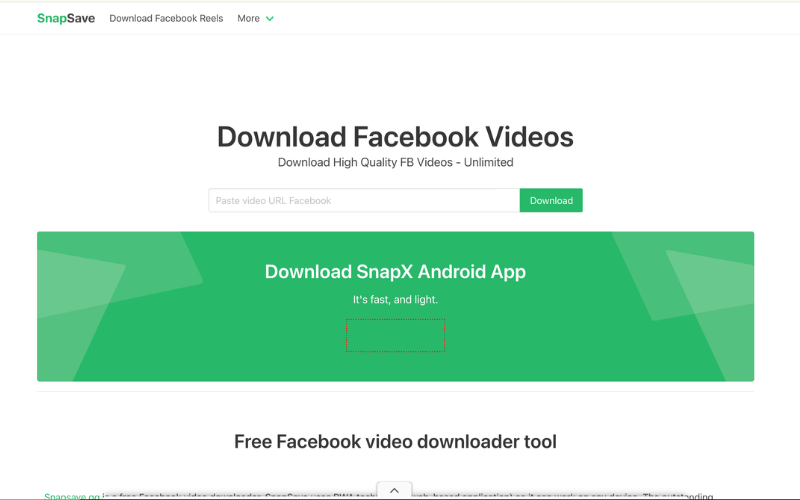
SnapSave is one of the most popular and reliable online tools for downloading high-quality Facebook videos without installing extra apps or software. It works seamlessly on both mobile devices and desktop computers, making it highly convenient for anyone who needs to save livestreams quickly. If you’re looking for how to download live videos from Facebook, SnapSave is a simple solution.
Here’s how to use SnapSave:
- Step 1: Open the Facebook app, find the livestream you want to save, tap the three-dot icon at the top-right corner of the video (or tap Share), then select Copy link.
- Step 2: Open any web browser on your phone and visit the official SnapSave website.
- Step 3: Paste the copied link into the box labeled “Paste Facebook video URL,” then tap Download. After processing, SnapSave will display video quality options—choose your preferred resolution and tap Download again to save the livestream directly to your device.
2.2. FDown
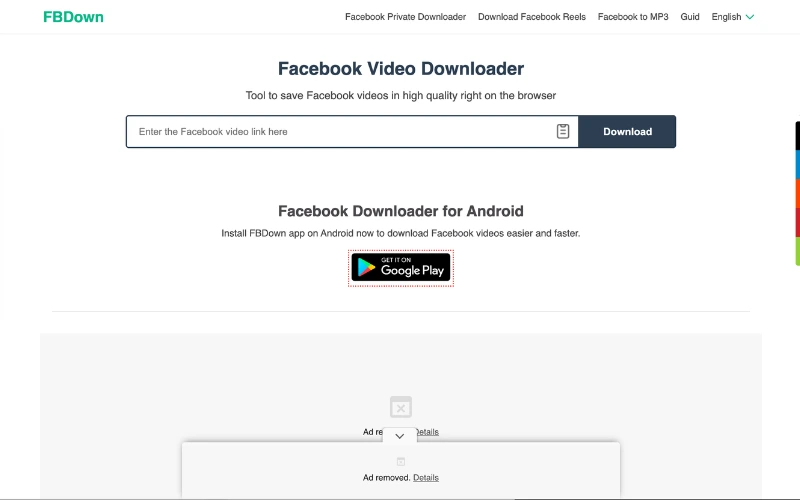
FDown is a powerful yet simple tool that helps you save Facebook livestreams in high-quality resolutions, including Full HD 1080p. It even offers the option to convert videos into MP3, making it easy to save audio files separately. If you’re searching for how to download live videos from Facebook, FDown is an excellent choice.
Here’s how to use FDown:
- Step 1: Open Facebook, find the livestream you want to save, and copy its link.
- Step 2: Open your web browser, visit fdown.to, and paste the copied link into the search box on the homepage.
- Step 3: Click Download, then select from SD or HD quality options—or choose MP3 if you only need the audio.
2.3. FSave
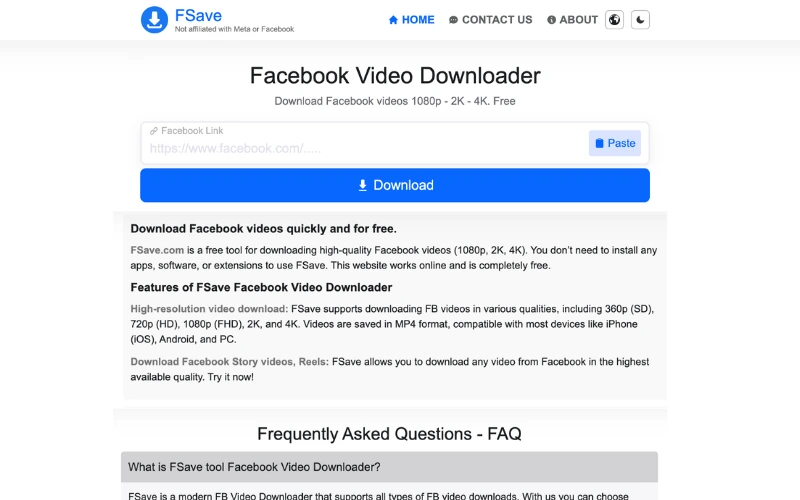
FSave is an excellent tool for downloading Facebook videos in their original quality, making it ideal for users who want to save, edit, or reuse livestreams without losing visual appeal. If you’re looking for how to download live videos from Facebook, FSave is a simple and effective option.
Readmore: How to download Facebook Messenger video
Here’s how to use FSave:
- Step 1: Copy the livestream link from Facebook.
- Step 2: Open your browser and go to FSave.com
- Step 3: Paste the copied link into the search bar, then tap Download.
- Step 4: Select your preferred resolution and save the livestream directly to your phone.
2.4. FBDownloader
If you’re wondering how to download live videos from Facebook, FBDownloader provides a fast, software-free solution. To use it, open the livestream you want on Facebook, tap Share (or the three-dot menu) and choose Copy link. Then open your browser and visit FBDownloader.to, paste the copied link into the site’s search box and press Download. After the tool processes the video, pick your preferred quality and click Download MP4 to save it to your device.
2.5. Getfvid
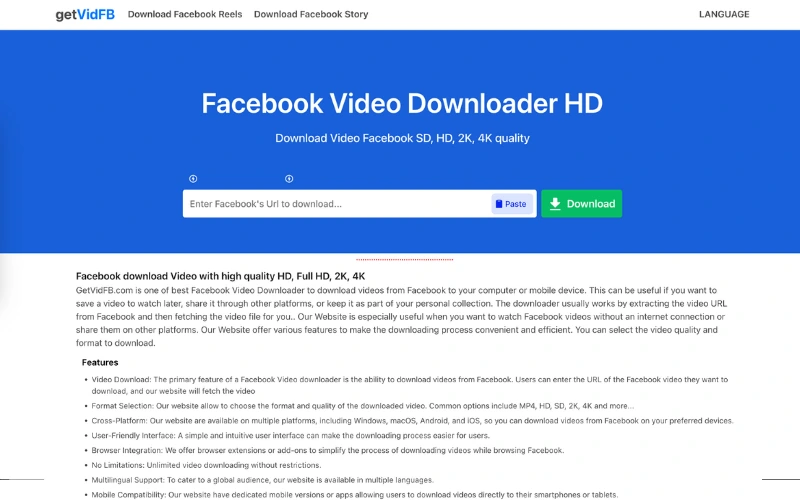
Getfvid is another popular tool that makes it easy to save Facebook livestreams without the need to log in, create an account, or install any software. If you’re looking for how to download live videos from Facebook quickly, Getfvid is a reliable choice.
Here’s how to use Getfvid:
Step 1: Copy the livestream link from Facebook.
- Step 2: Open your browser and visit getfvid.com.
- Step 3: Paste the link into the search box, then click Download.
- Step 4: Choose your preferred quality and tap Download again to save the livestream to your phone or computer.
3. Notes Before Downloading Facebook Livestreams
To download Facebook livestream videos safely and without issues, keep these important tips in mind:
- Respect Copyrights: Always honor the intellectual property rights of creators. Some livestreams may be protected and require permission before reuse.
- Use Trusted Tools: Choose only reputable downloaders with good reviews. Avoid sites or apps that request sensitive data, as they may pose security risks.
- Wait for Streams to Finish: Trying to download during a live broadcast can result in errors or incomplete files.
- Protect Your Data: Never enter passwords, payment details, or other personal information into platforms claiming to offer video downloads.
This guide has introduced 10+ practical methods on how to download live videos from Facebook, allowing you to save broadcasts, online lessons, and valuable content with ease. Based on your device and goals, choose the tool that works best for you to download in high quality and keep your videos safely backed up.
Don’t forget to bookmark this TCC Agency guide and share it with friends or colleagues who also want to learn how to download live videos from Facebook quickly and securely.
